
Switch accounts
A single user can access multiple accounts. Switch accounts to move from one workspace to another.
Resources do not carry over between accounts. Bot connections, voice channels, routing rules, calls, recordings, and billing data belong only to the account that you are currently using.
To switch accounts:
-
Click Current account in the top-left corner of the Live Hub window.
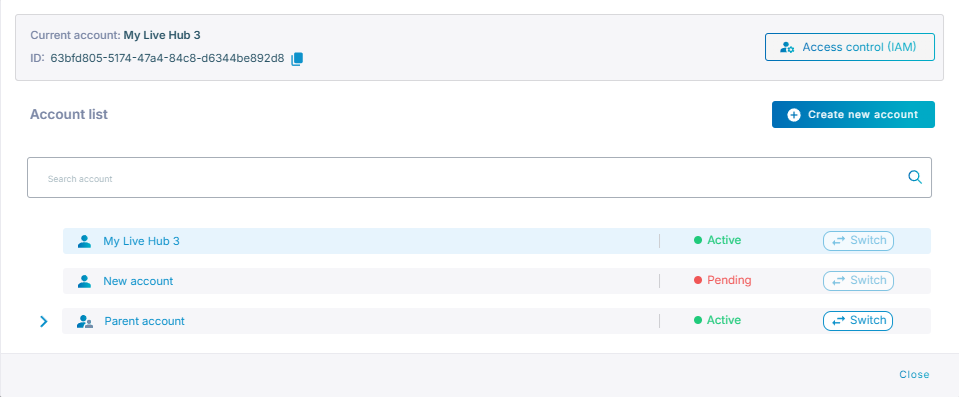
The menu lists every account you can reach, and is also where you create an account or open Access control (IAM).
-
Find the account under Account list, and then click Switch.
Current account now names the account you switched into.
Live Hub remembers which account you used last, and opens that account the next time you sign in.